




Messy cords can make even the cleanest room feel cluttered. Chargers tangle together, cables disappear behind furniture, and finding the right wire often takes longer than it should.
The good news is that organizing cords doesn’t require expensive products or complicated systems. A few simple changes can make cables easier to store, identify, and manage every day.
These cord organization ideas focus on keeping wires accessible while reducing visual clutter, helping your home, office, or workspace stay cleaner and more functional.
Key Takeaways
- Remove unused cables before organizing.
- Group cords by purpose or location.
- Label cables for quick identification.
- Use trays, boxes, and clips to prevent tangles.
- Create dedicated storage zones for different cable types.
- Keep charging stations contained and organized.
- Use vertical storage to maximize space.
- Maintain a simple system that’s easy to reset.
How Can I Organize My Cords?

The easiest way to organize cords is to create a dedicated system instead of storing cables wherever space is available. Start by removing cords you no longer use, then sort the remaining ones by purpose, location, or device type. Once each cable has a specific place, maintaining order becomes much easier and clutter stops building up.
Pro Tip: Do a quick cable audit every six months to prevent unused cords from accumulating again.
Travel Cord Kit

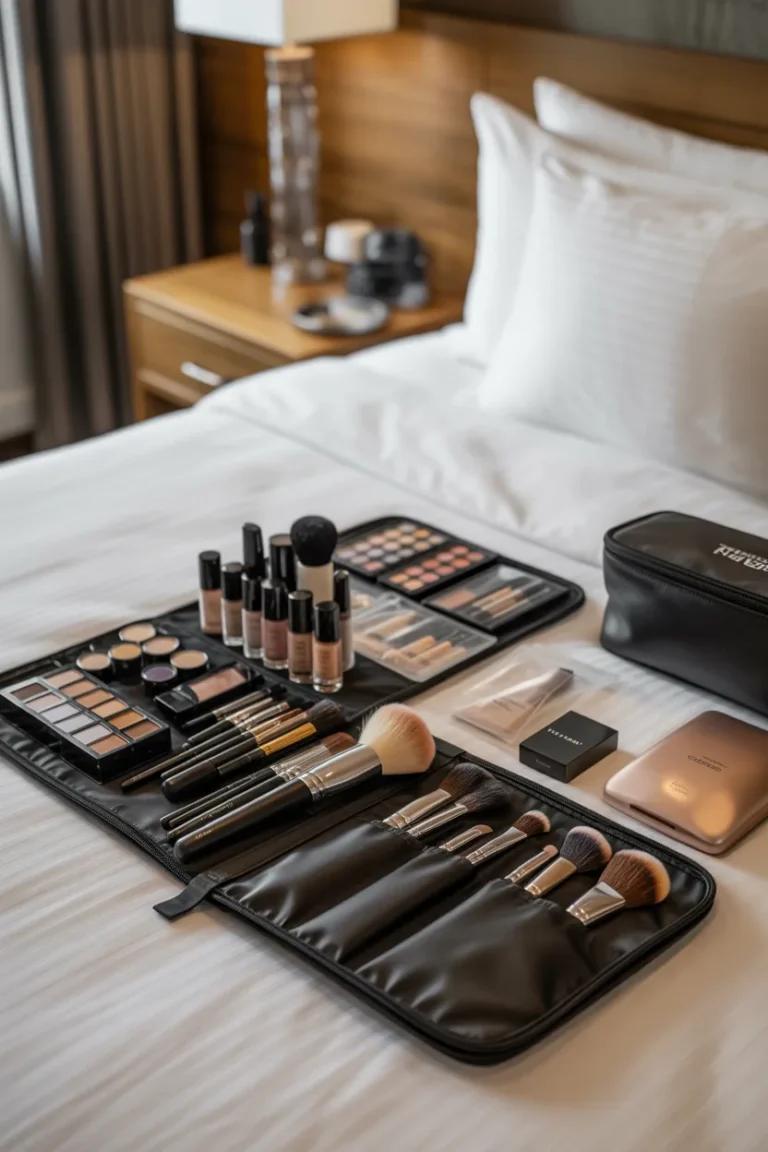
Keeping travel cables together in a compact pouch prevents tangles and makes packing easier. Wrap each cable with reusable ties and store chargers, adapters, and accessories in one dedicated case. This setup saves time when traveling and ensures everything is ready when you need it.
Pro Tip: Choose a zippered pouch with multiple compartments to keep accessories separated.
Labeled Cable Storage
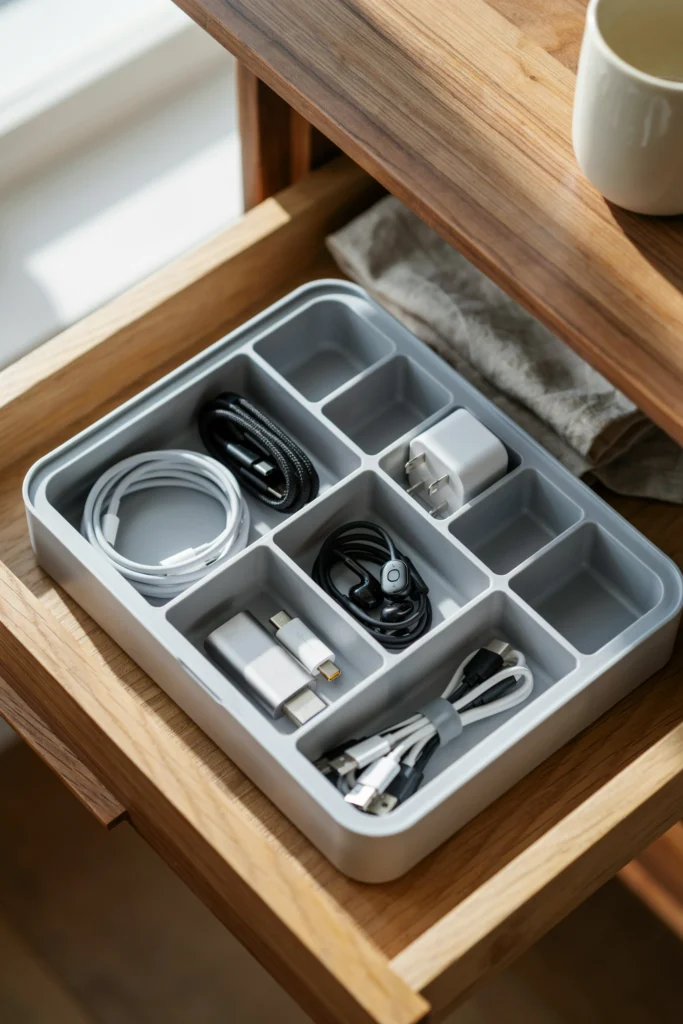
Labeling cables removes the frustration of guessing which cord belongs to which device. Small compartment organizers work well for storing cables by category, allowing you to identify everything instantly. This system is especially useful in offices and tech-heavy households.
Pro Tip: Use clear labels that remain readable even after frequent handling.
Wall Plug Wrap
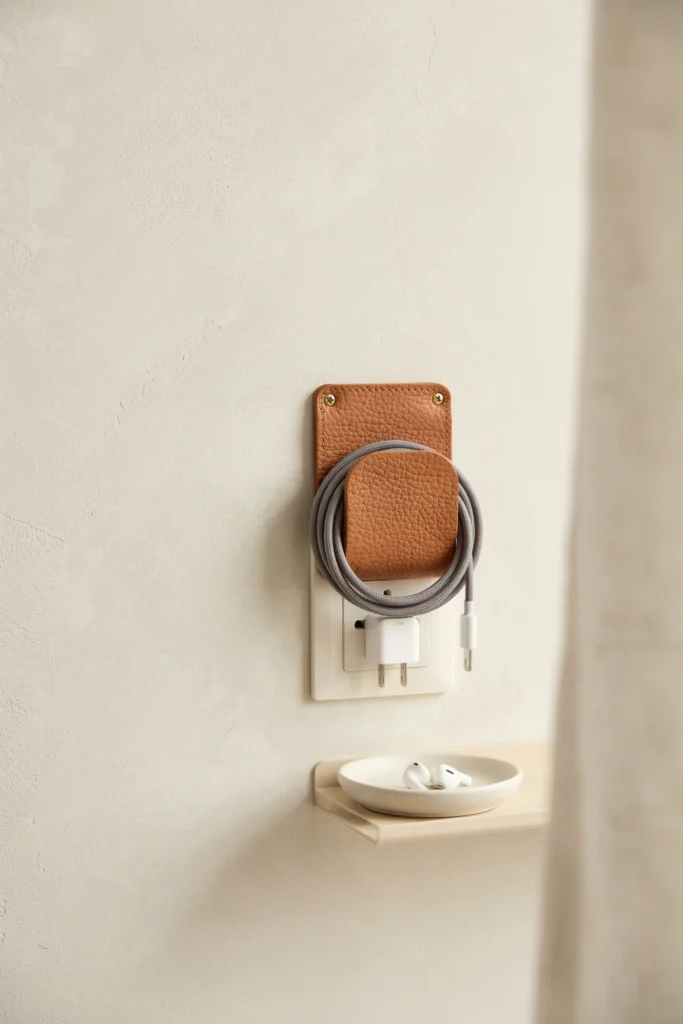
Charging adapters often create clutter around outlets when excess cord length hangs loosely. Wrapping the cable around the charger using a silicone, leather, or Velcro holder keeps everything neat and compact while making storage much easier.
Pro Tip: Keep wraps attached permanently so cables stay organized after every use.
Category Cable Box
Grouping cords into categories creates a storage system that is easy to maintain. Separate charging cables, HDMI cords, audio cables, and accessories into designated sections within a storage box so everything remains easy to find.
Pro Tip: Assign each compartment a single cable type to avoid mixing categories.
Zippered Charging Case
A structured charging case keeps cables, adapters, and power banks protected and organized. Mesh pockets and elastic loops prevent cords from shifting around while making everything visible at a glance.
Pro Tip: Store your most-used charging accessories in the front compartments for quick access.
Drawer Cable Sorting
Organizing cords inside drawer compartments prevents tangled piles from forming. Use adjustable bins or dividers to separate cable types and keep everything visible. This method works especially well in home offices and utility spaces.
Pro Tip: Roll cables neatly before placing them into their designated compartments.
Length-Labeled Cords
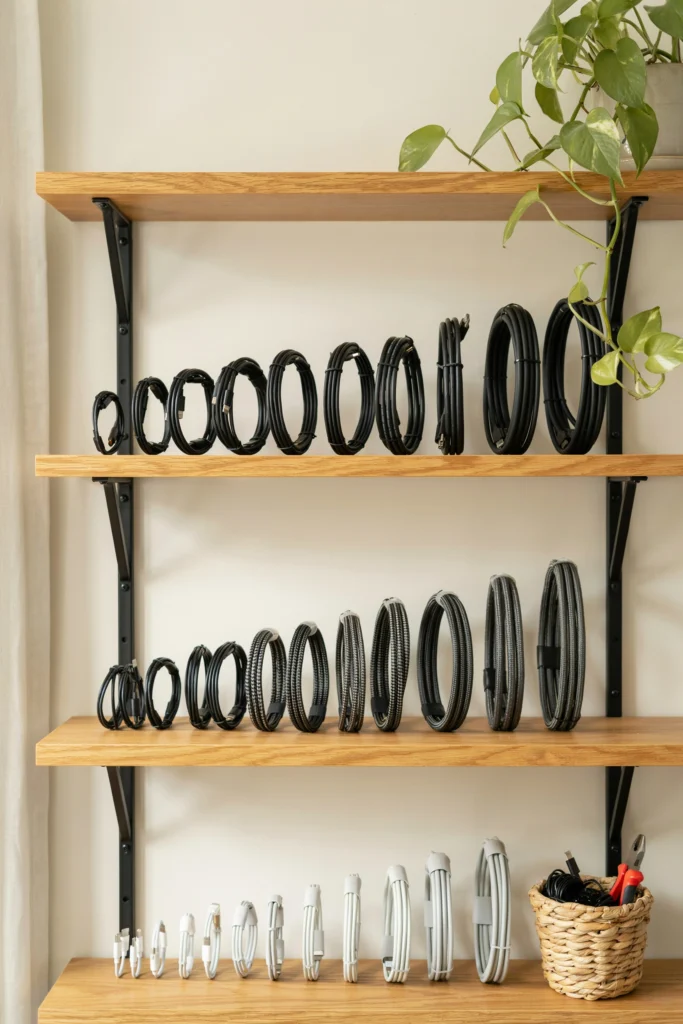
Not every cable needs the same length, and grabbing the wrong one can be frustrating. Labeling cords by length allows you to quickly choose the right cable without unnecessary searching or untangling.
Pro Tip: Use color-coded labels to identify lengths even faster.
Drawer Zone System
Dividing drawers into dedicated zones for chargers, adapters, flash drives, and accessories helps prevent clutter from spreading. Each item category gets its own section, making both storage and retrieval more efficient.
Pro Tip: Reserve front sections for items you use most often.
Hidden Charging Hub
Charging stations often become cluttered because multiple cords run in different directions. A hidden charging hub keeps power strips and cables concealed while still allowing devices to charge conveniently.
Pro Tip: Choose a ventilated hub to prevent overheating during extended charging.
Stacked Cable Drawers
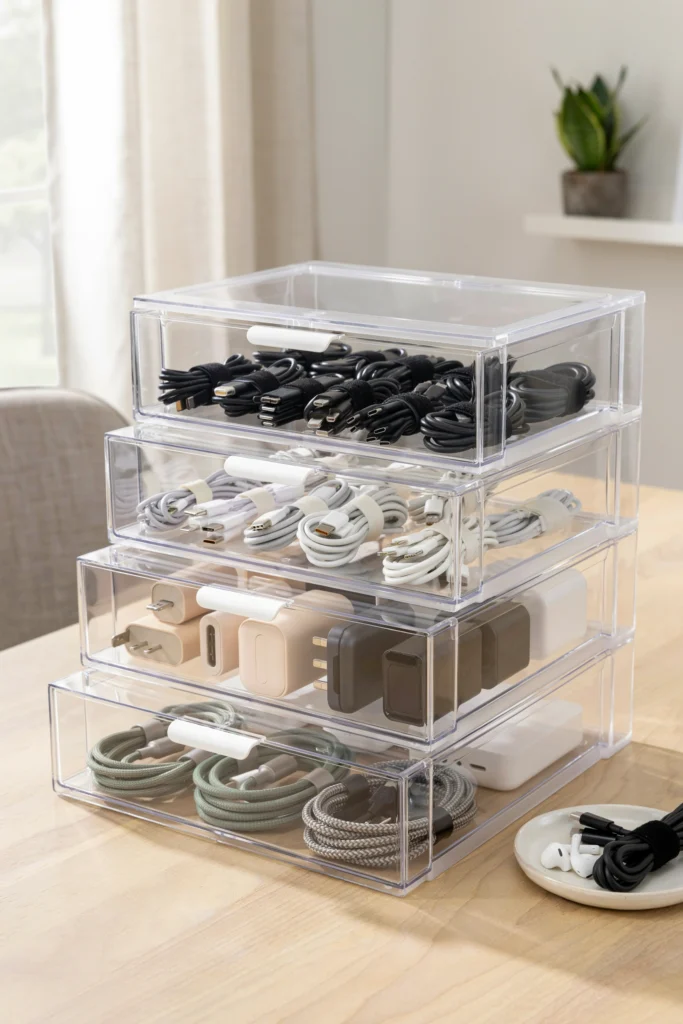
Vertical storage makes large cable collections easier to manage. Use stackable drawer units to separate cables by purpose, keeping categories organized while maximizing available storage space.
Pro Tip: Label each drawer clearly so contents can be identified instantly.
Cable Box Station
Power strips and charging cables look much cleaner when enclosed in a cable management box. Routing cords through dedicated openings keeps the setup organized while reducing visual clutter around desks and entertainment centers.
Pro Tip: Use shorter cables whenever possible to minimize excess slack.
Modular Drawer Pods
Small storage pods create individual spaces for different cable types, preventing wires from mixing together. This approach works particularly well in deep drawers where loose cables can quickly become disorganized.
Pro Tip: Match pod sizes to the types of cables you store most often.
Under-Desk Tray
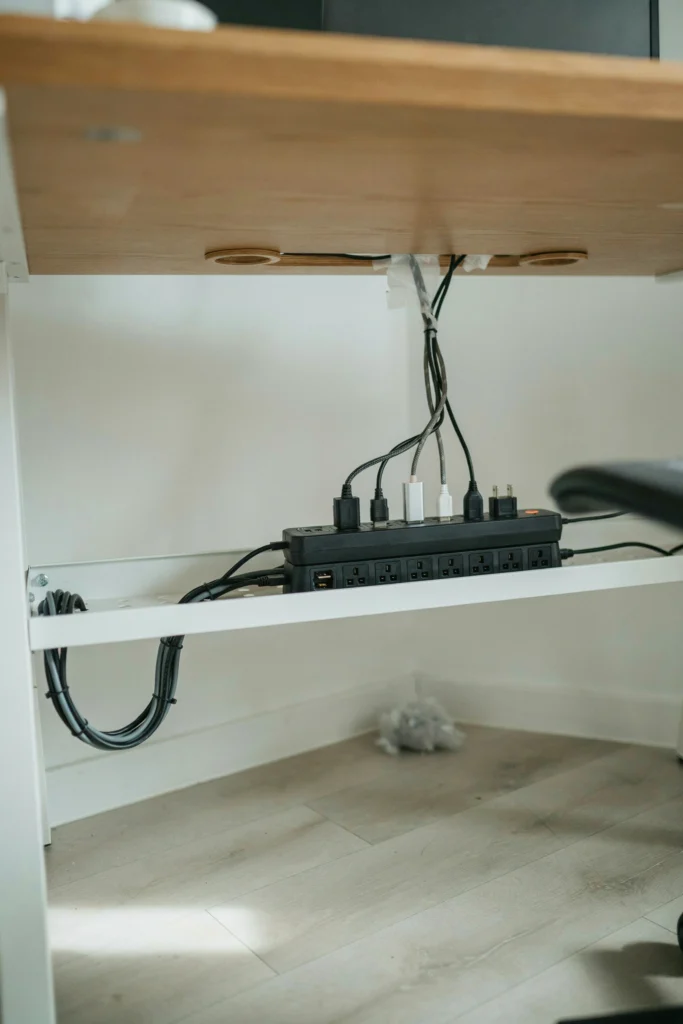
An under-desk tray keeps cables and power strips off the floor and out of sight. Excess cable length can be coiled neatly inside the tray, creating a cleaner workspace with fewer distractions.
Pro Tip: Secure cords with Velcro ties before placing them in the tray.
Cable Raceway Wall
Wall-mounted TVs and electronics often leave visible cords that disrupt a clean look. Cable raceways hide wires inside paintable channels, creating a more polished appearance throughout the room.
Pro Tip: Paint raceways the same color as the wall for a seamless finish.
Magnetic Cord Clips
Charging cables frequently slide behind desks or nightstands. Magnetic clips keep cables exactly where you need them, preventing frustration and making daily charging more convenient.
Pro Tip: Place clips where your hand naturally reaches for the cable.
Pegboard Cable Wall
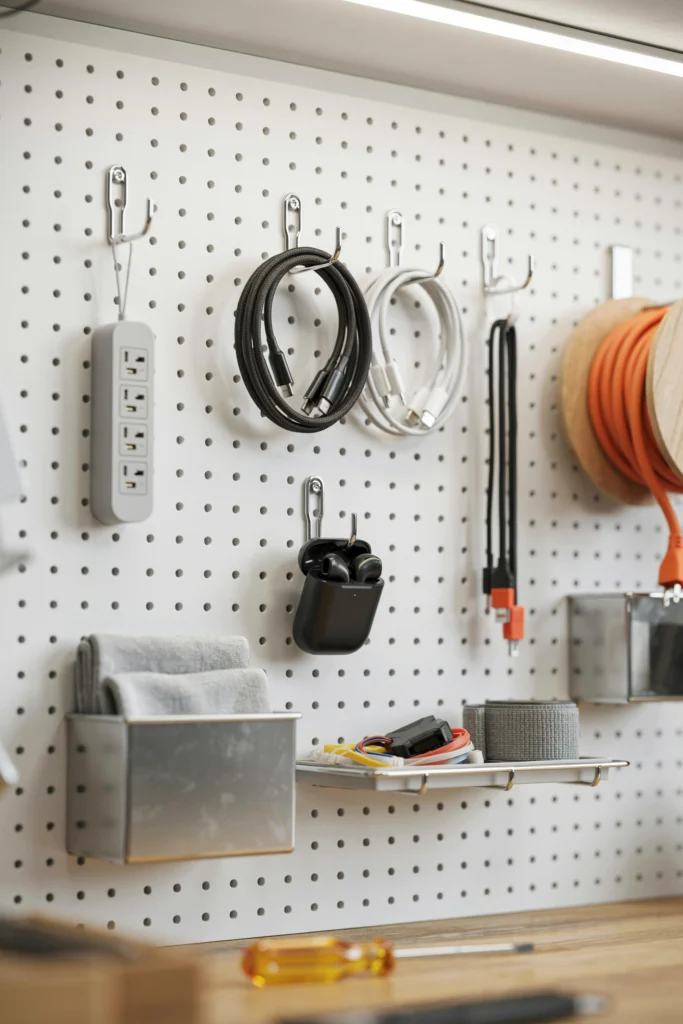
A pegboard provides visible storage for frequently used cables while keeping them untangled. Each cable hangs separately, making it easy to grab the right one without disturbing the others.
Pro Tip: Use different hook sizes based on cable thickness.
Bedside Charging Shelf
A charging shelf keeps phones, watches, and charging cords organized while reducing clutter on nightstands. Routing cables through built-in slots creates a tidy setup that remains functional.
Pro Tip: Use shorter charging cords to maintain a clean appearance.
Velcro Cable Spine
Bundling multiple cords into a single vertical cable path creates a much cleaner setup. Velcro straps hold wires together while still allowing you to add or remove cables when needed.
Pro Tip: Leave a little slack between attachment points to reduce cable strain.
Label Both Ends

Many cables look identical, especially when multiple devices use similar connections. Labeling both ends makes troubleshooting, unplugging, and reconnecting cables significantly easier.
Pro Tip: Use durable wraparound labels that won’t peel over time.
Furniture Cable Grommet
Cable grommets provide a clean path for wires to pass through desks and furniture. Instead of draping over edges, cords stay hidden and organized underneath the surface.
Pro Tip: Install grommets near the equipment that generates the most cable traffic.
Rolling Cable Cart
A mobile cable station allows chargers, power strips, and accessories to move wherever they are needed. This solution works especially well in flexible workspaces and multi-purpose rooms.
Pro Tip: Add small bins to separate accessories and prevent shifting during movement.
Color-Coded Cables
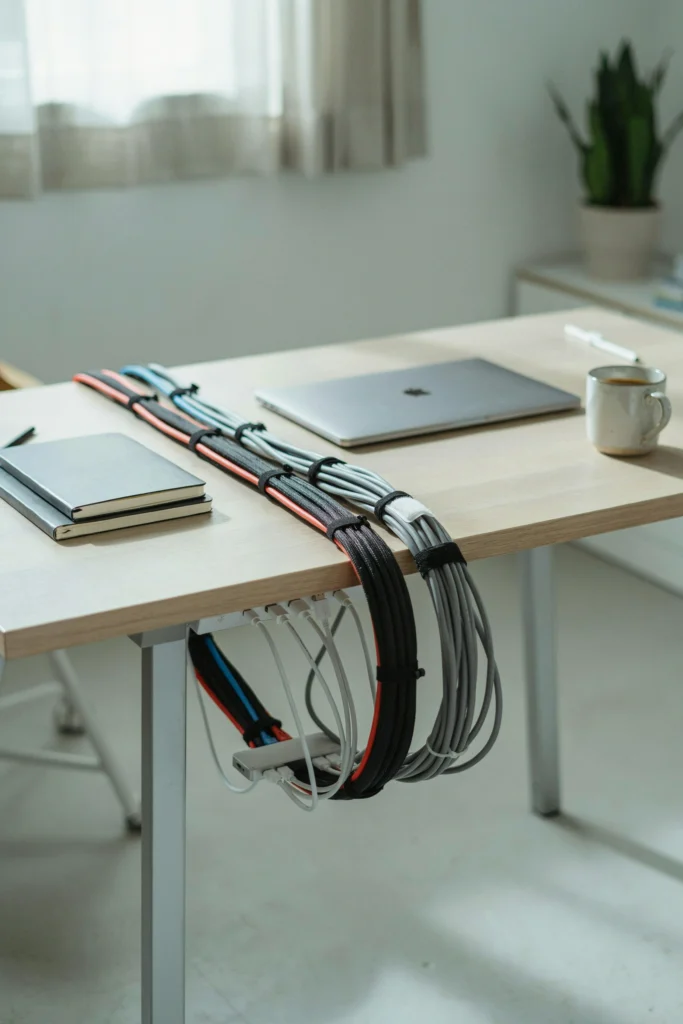
Color coding helps identify cables instantly without reading labels. Different colors can represent rooms, devices, or cable functions, making organization much faster and more intuitive.
Pro Tip: Use colored sleeves or reusable ties instead of replacing existing cables.
FAQs
How do you make cords less messy?
The best way to reduce cord clutter is to remove unused cables first, then group the remaining cords by purpose. Use clips, trays, boxes, and cable ties to control slack and keep wires from tangling. When every cord has a dedicated location, maintaining organization becomes much easier.
What are the benefits of cord management?
Good cord management improves safety, reduces visual clutter, and makes cables easier to find when needed. Organized cords are less likely to become damaged, create tripping hazards, or interfere with daily tasks. A well-managed setup also makes cleaning and maintenance