





I’ve noticed how quickly charging cables can take over a home once multiple devices enter the picture, and phones, tablets, and earbuds often end up scattered in different places, leaving me searching for the right charger at the worst time. In this guide, I’m sharing 18 practical charging station storage ideas that I personally use or recommend to keep everything organized and easy to access. These setups are simple, realistic, and focused on reducing clutter while ensuring every device stays powered and ready to use.
Key Takeaways
I always centralize all charging in one fixed location to avoid cable clutter across the house.
A simple organizer like a tray or box is enough to instantly improve charging organization.
Short cables make a huge difference in preventing tangles and keeping setups clean.
Hidden charging setups like drawers or boxes help maintain a clutter-free visual space.
Wall holders and hooks are great for saving surface space in small rooms.
Labeling cables helps eliminate confusion in shared family charging areas.
Charging docks and stands make daily device access faster and more convenient.
Consistent placement matters more than expensive charging gadgets for long-term order.
How Do You Organize Multiple Phone Chargers in One Place?
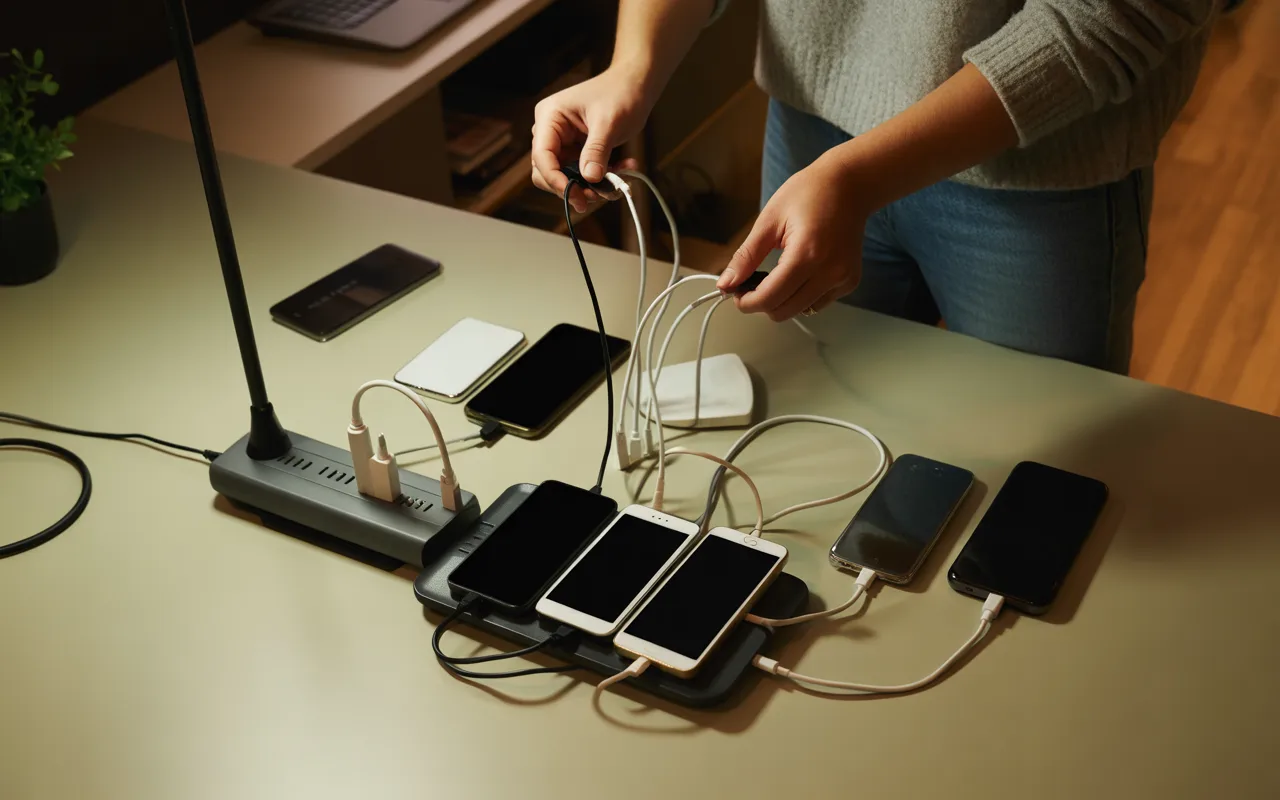
When I started dealing with several devices at home, I quickly realized the real problem wasn’t charging power but organization, because cables were constantly scattered, outlets were overcrowded, and I often misplaced chargers exactly when I needed them most. That’s when I decided to dedicate one fixed spot for all charging needs, which made a huge difference in keeping my space tidy and manageable.
I usually pick a single location like a desk, kitchen counter, or bedside table and turn it into a central charging zone where everything stays in one place. A multi-port charger or power strip helps me power everything together instead of spreading adapters across the house, and then I add simple organizers like trays or boxes so cables don’t turn into a tangled mess.
Pro Tip: I label every cable so nobody in the house wastes time guessing which charger belongs to which device.
Hub Charging
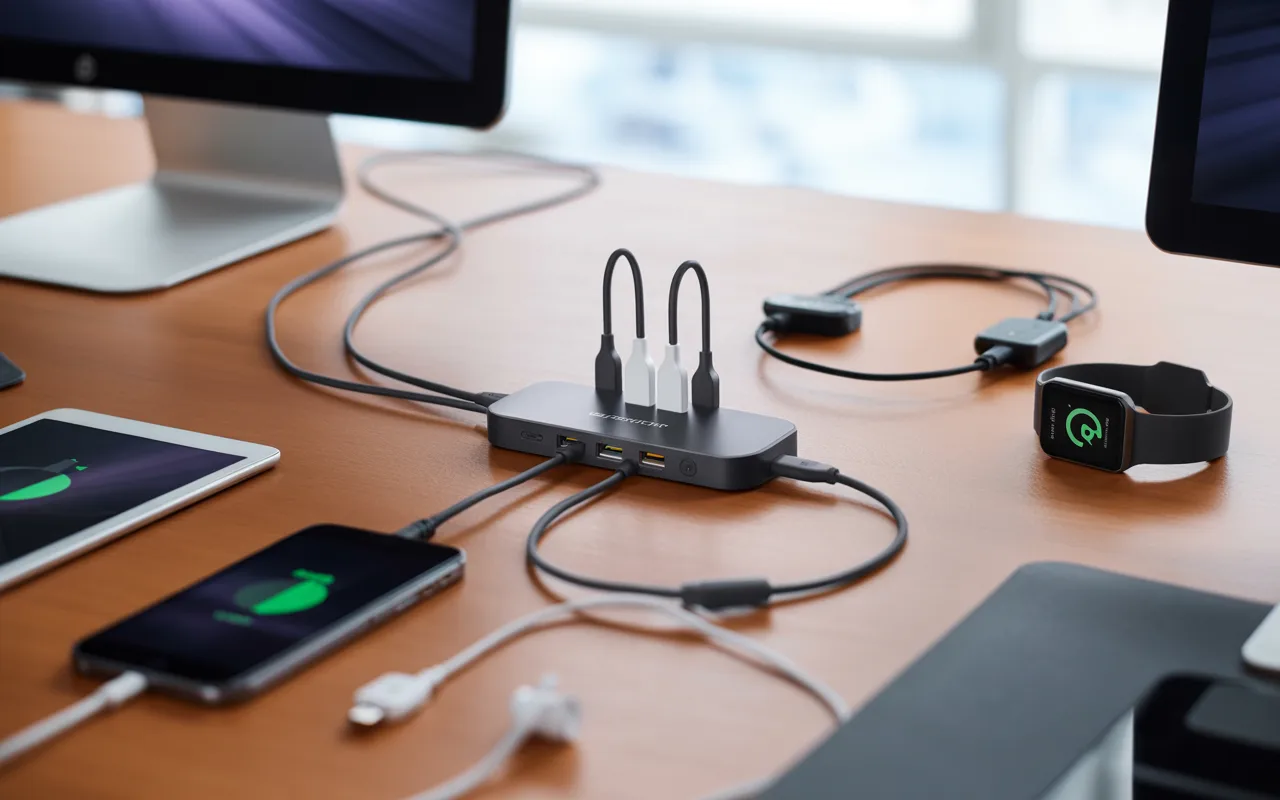
I rely on a central charging hub whenever I want my desk to stay clean and functional, because a multi-port USB hub allows me to charge my phone, tablet, and earbuds from one compact setup without needing multiple adapters scattered everywhere. Instead of letting clutter spread across the surface, I keep everything focused in one organized area that feels much easier to manage day to day.
I place the hub in the center of my desk so every cable reaches comfortably without stretching or creating tension, and I prefer short cables because they reduce tangling and help the setup look neat and intentional.
Pro Tip: I secure cables with small desk clips so nothing slips behind furniture or gets lost.
Drawer Charging
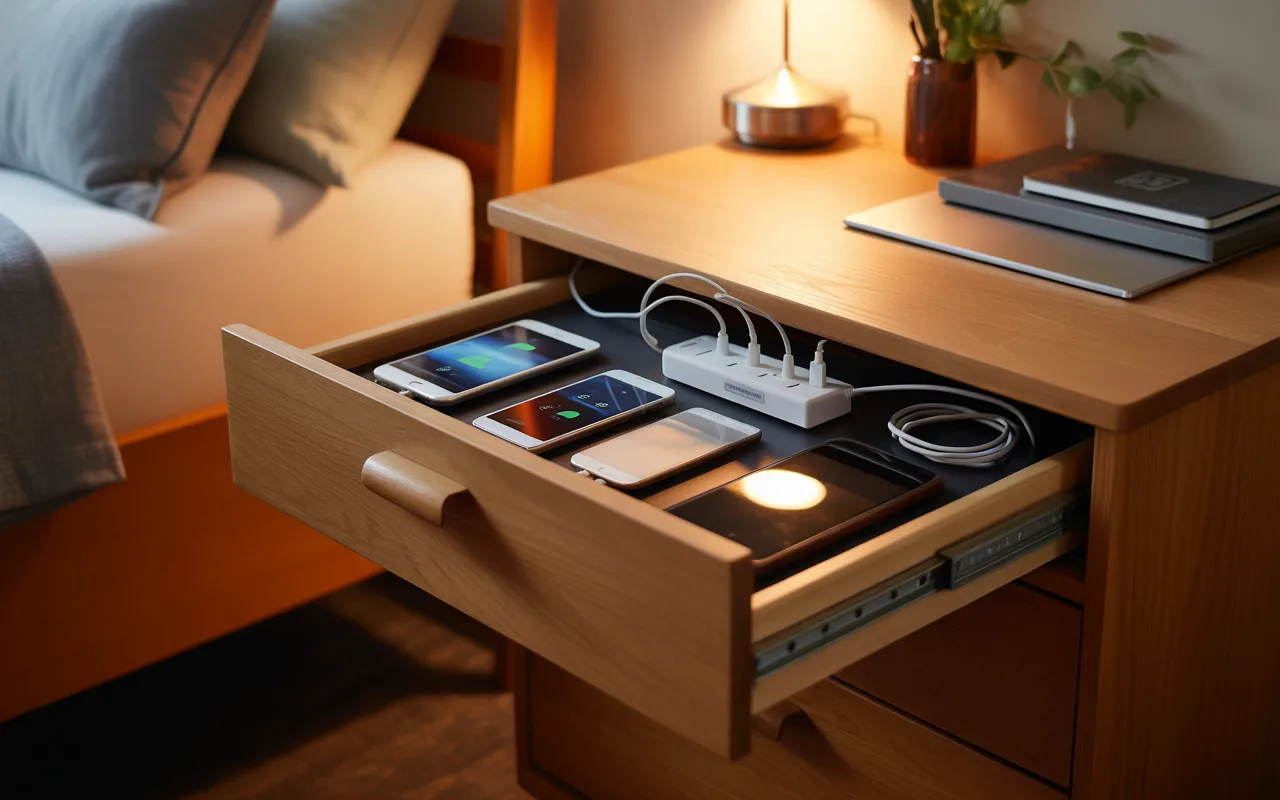
I use drawer charging when I want all my cables and devices completely hidden from view, because a simple drawer with built-in outlets lets me charge everything without exposing messy wires on the desk surface. I run cables through small back openings so the setup stays clean even while devices are charging, and nothing spills over onto visible areas. This works especially well in bedrooms or workspaces where clutter builds up quickly, and once I close the drawer, all the mess disappears while my devices continue charging quietly inside.
Pro Tip: I add ventilation space inside the drawer so devices don’t overheat during long charging sessions.
Shelf Organizer
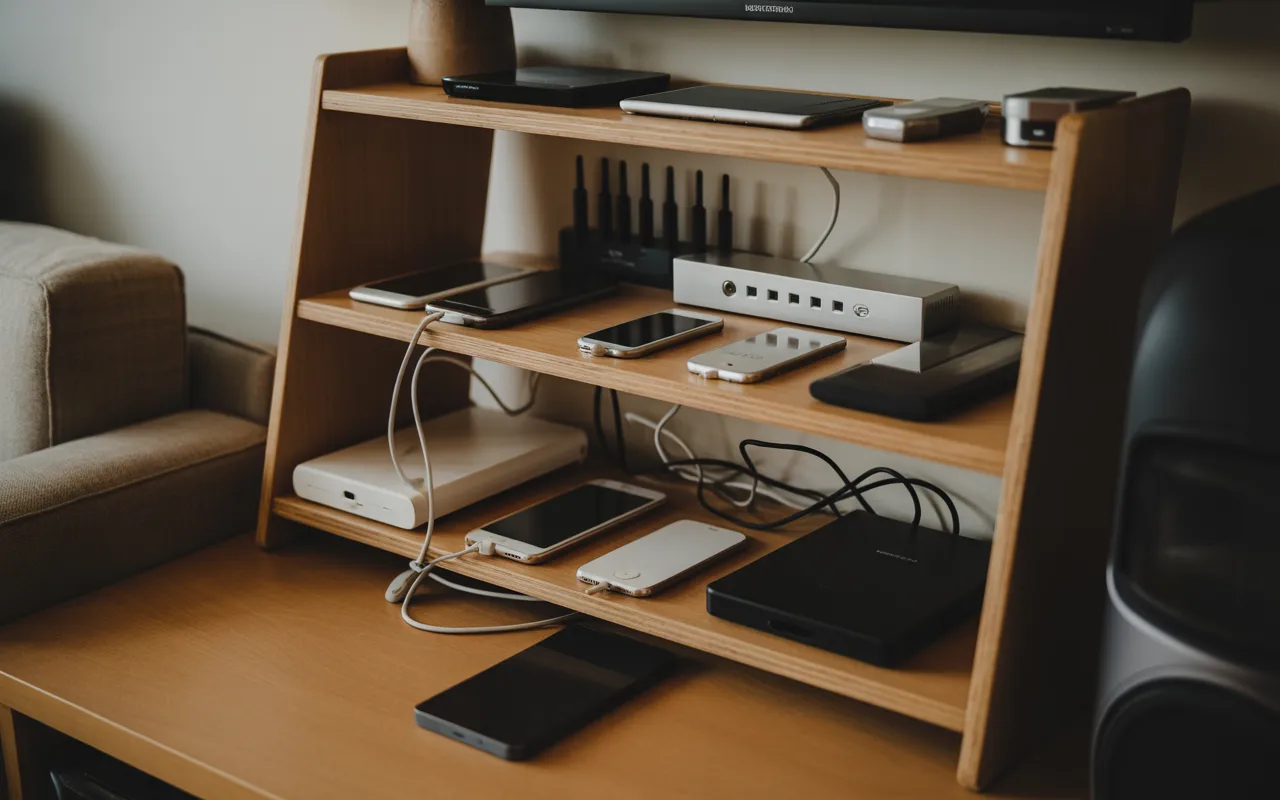
A shelf organizer helps me control clutter around entertainment areas and desks because each device gets its own level, which prevents stacking and removes cable confusion from the setup. I usually keep a power strip behind the unit so everything connects easily without visible mess across the surface. The top shelf works best for active devices while lower shelves are ideal for storing accessories, which keeps everything structured without needing additional furniture in the room.
Pro Tip: I keep frequently used devices at eye level so I can grab them instantly without disturbing the setup.
Charging Dock
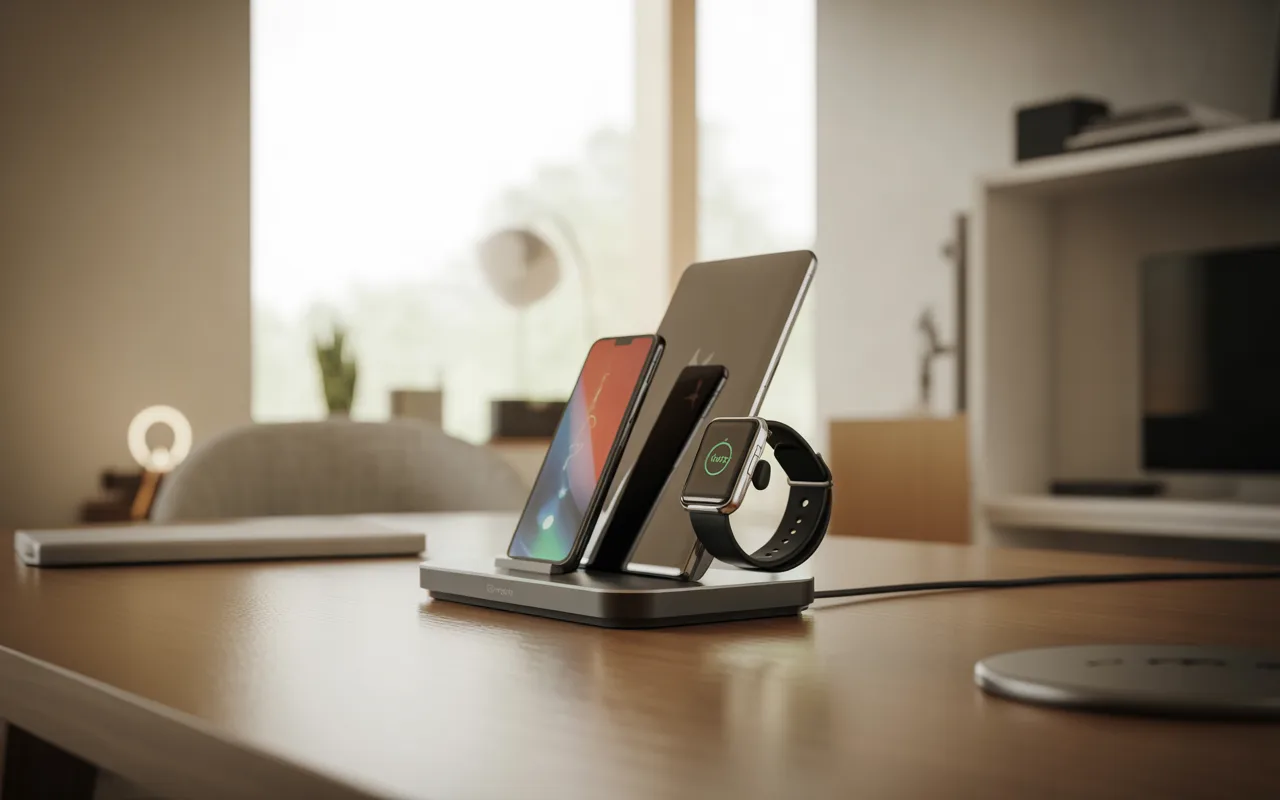
I use a charging dock when I want each device to have its own dedicated spot, and it keeps phones and tablets standing neatly while they charge from one shared base that reduces cable clutter significantly. This setup helps me keep everything organized into one system instead of spreading devices across different surfaces. I place the dock near an outlet and hide the main cord behind furniture so the area looks cleaner, and it also makes it easier for me to quickly access my devices during the day.
Pro Tip: I choose vertical docks so I can still see notifications while everything charges.
Stand Charger
A stand charger works well for me when I want my phone visible while charging, because instead of lying flat, my phone stays upright so I can easily check notifications or calls without picking it up. It also helps keep my desk or nightstand looking organized since there are fewer loose items scattered around. I prefer wireless or magnetic stands and route cables behind furniture so the charging area stays clean and I can always return my phone to the same spot.
Pro Tip: I place the stand at a consistent drop zone so my phone always has a fixed home.
Alarm Charger
I like using an alarm charger because it combines multiple bedside essentials into one device, acting as both a clock and a charging station that reduces clutter significantly on my nightstand. My phone fits into a built-in slot, which removes the need for extra cables lying around the table. I keep it next to my bed so everything is within reach at night and in the morning, which simplifies my routine by combining charging and timekeeping in one place.
Pro Tip: I use it as my only alarm source so I avoid relying on multiple devices overnight.
Travel Charging
When I travel, I rely on luggage with built-in charging features to stay powered, because it allows me to charge my phone using a hidden power bank inside the suitcase without searching for outlets in busy places. This keeps me connected and reduces stress during long trips where battery life becomes critical. I simply plug my cable into the external port and charge while moving, waiting, or commuting, which makes travel much more convenient overall.
Pro Tip: I fully charge the power bank before every trip so I never run out unexpectedly.
Cable Rack
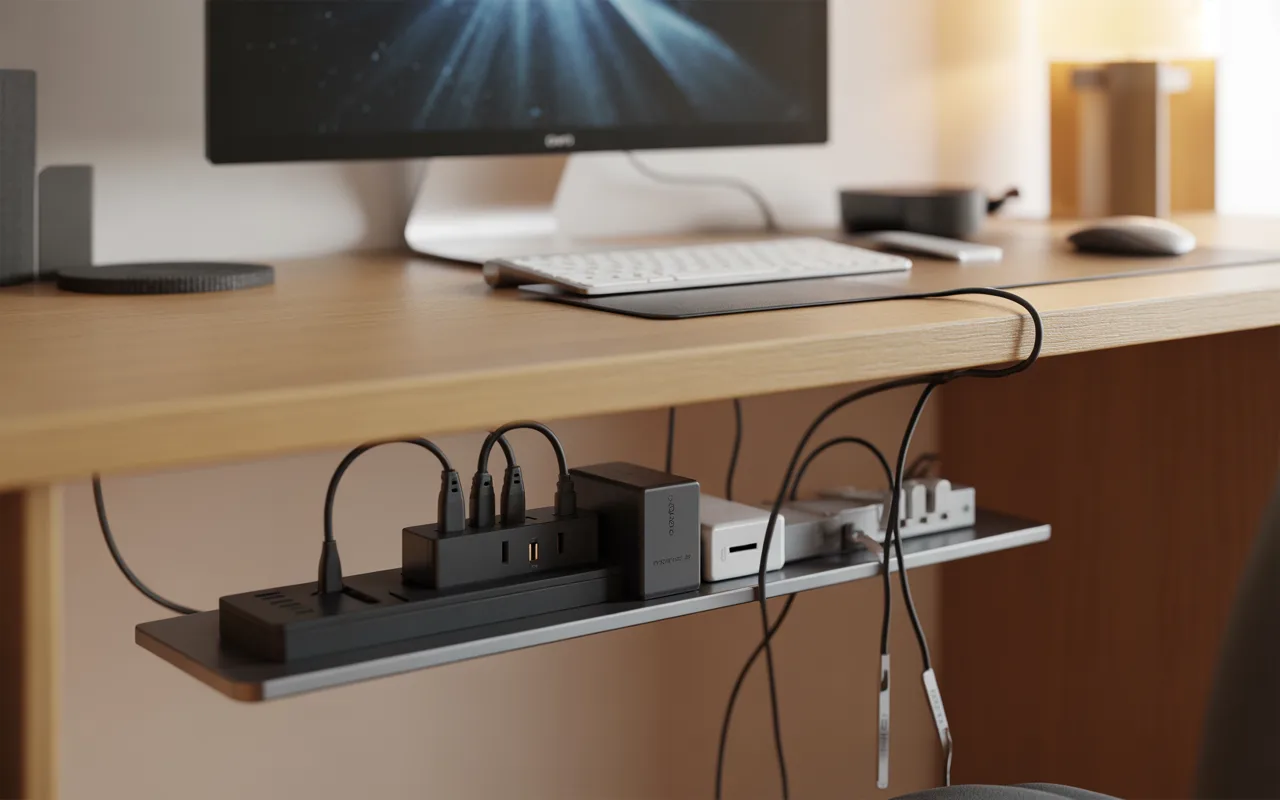
A cable rack helps me solve one of the biggest desk problems, hanging wires, because I install it under my desk so power strips and adapters stay completely hidden from view. This setup keeps cables from tangling and frees up valuable floor space that would otherwise feel cluttered. Everything is routed through the rack so only a clean and organized workspace is visible from above, which instantly makes my setup feel more professional.
Pro Tip: I group cables by device type so troubleshooting becomes much faster.
Wall Holder
I use wall holders when I want my phone off surfaces while it charges, because it creates a small shelf around the socket so the phone has a safe resting place instead of hanging or falling to the floor. This prevents cables from pulling devices down or leaving them in awkward positions during charging. It works best in bedrooms and kitchens where table space is limited, and I like how simple it is to install while keeping the area much cleaner.
Pro Tip: I install it slightly above the outlet so cables don’t bend sharply.
Desk Basket
A desk basket helps me manage hidden clutter under my workspace because I attach it beneath the desk so power strips and adapters stay out of sight and off the floor. This prevents tangled wires and keeps everything contained in one hidden but accessible space. I route cables upward from the basket directly to my devices, which keeps my setup functional while improving overall cleanliness and organization.
Pro Tip: I store extra cable length inside the basket so nothing hangs loosely.
Cable Case
I always use a cable case when traveling with multiple devices because it keeps chargers and cables from turning into a tangled mess inside my bag. Elastic straps hold everything in place so nothing shifts around during travel, and small compartments help protect fragile cables from bending or damage. I loosely coil each cable and secure it before packing, which makes finding chargers easy and keeps my travel setup stress-free.
Pro Tip: I keep a spare charging cable in an outer pocket for emergencies.
Charging Tray
A charging tray helps me control clutter on my nightstand because it combines a charging surface with storage for small everyday items like keys, watches, or earbuds. I like how it hides cables underneath while keeping the top surface clean and minimal. I place it near an outlet so charging stays convenient, and it creates a neat personal charging station that keeps everything in one organized spot.
Pro Tip: I avoid turning it into a dumping spot by resetting it every night.
Lamp Charger
I use a lamp charger when I want lighting and charging in one device because it replaces multiple items and reduces clutter on my bedside table. My phone charges on a built-in pad while the lamp provides soft lighting, which makes the space both functional and minimal. I keep the cord hidden behind furniture for a cleaner setup, which improves both appearance and practicality at the same time.
Pro Tip: I switch to warm light at night to improve sleep comfort.
Charging Nightstand
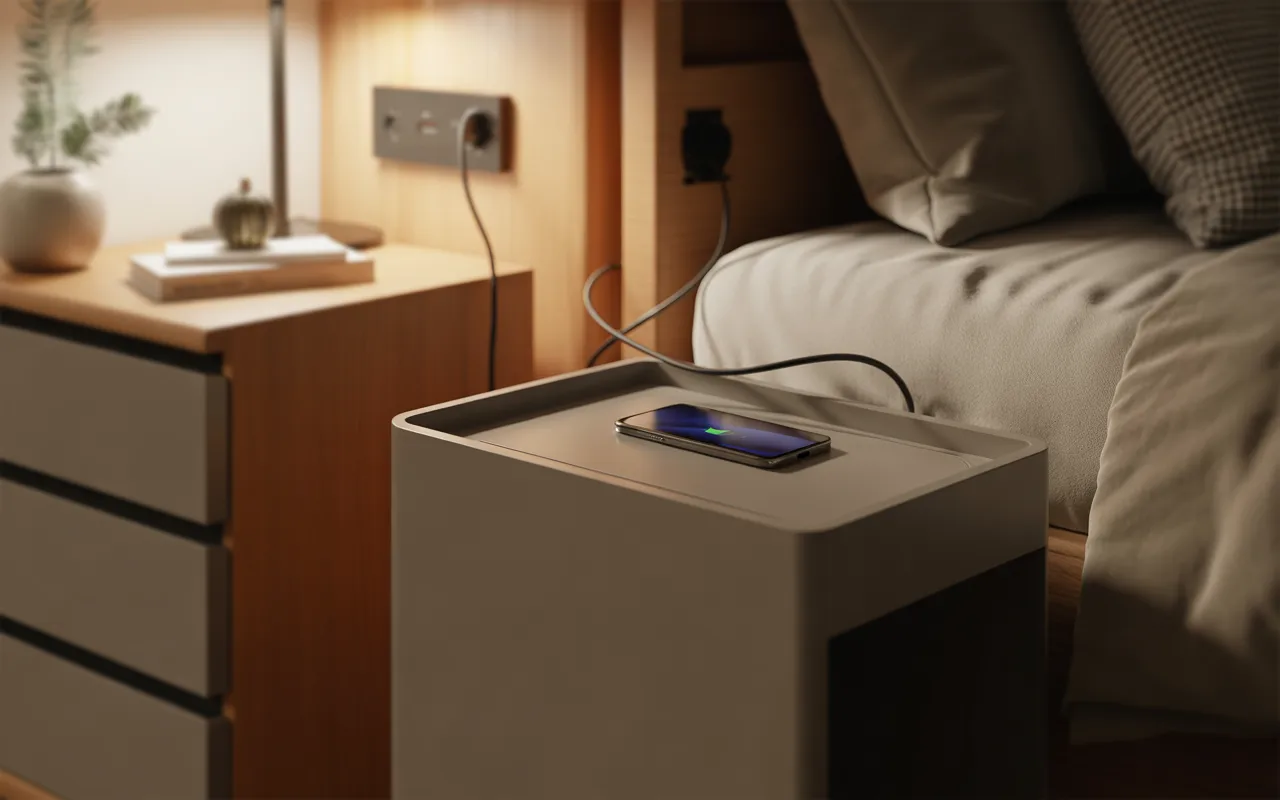
A charging nightstand helps me keep my bedroom organized effortlessly because it includes built-in charging surfaces so my phone always has a fixed and reliable place to rest. Drawers store small accessories like earbuds and cables neatly out of sight, which keeps the surface clean. I place it near a wall outlet and hide cables behind furniture so the entire setup stays minimal and clutter-free.
Pro Tip: I dedicate each drawer to a category so everything stays easy to find.
Pegboard Station
I use pegboard stations when multiple people need shared charging space because each device gets its own hook, shelf, or basket, which avoids confusion and keeps everything organized. Cables stay neatly arranged behind the board instead of spreading across surfaces or countertops. I customize it with different holders depending on needs, and it turns a messy charging area into a flexible and structured system.
Pro Tip: I assign each family member a fixed section to avoid charging conflicts.
Headphone Hook
A headphone hook helps me keep my desk free from tangled accessories because I place it near my charging area so everything stays within easy reach without cluttering the workspace. It prevents headphones from mixing with cables or taking up unnecessary desk space during daily use. Installation is quick and simple, and it makes a noticeable difference in keeping the area clean and organized.
Pro Tip: I hang headphones by the headband to prevent long-term damage.
Cable Box
I rely on cable boxes when I want to fully hide charging clutter because they store power strips and excess cable length inside while keeping devices accessible on top. This removes visual mess while still allowing full charging functionality for multiple devices. Cables pass through small openings so everything stays neat and organized, which works especially well in shared spaces.
Pro Tip: I label internal connections so I can identify devices instantly.
Monitor Stand

A monitor stand helps me combine workspace organization with charging needs because it raises my screen while creating storage space underneath for devices and accessories. Built-in ports allow me to charge multiple gadgets easily without cluttering the desk surface. I route cables under the desk to keep everything hidden, which makes my workspace cleaner, more functional, and more efficient overall.
Pro Tip: I keep only active devices under the stand to avoid overcrowding.
FAQs
1. Where is the best place to create a charging station at home?
I find that the best charging station is wherever devices naturally gather during the day, such as a desk, kitchen counter, entry table, or bedside area, and I always prefer choosing one main location so cables don’t spread throughout the house.
Adding a tray, dock, or organizer helps keep everything in one structured place, which also makes charging easier and more predictable for everyone at home.
2. How can you hide charging cables without making them hard to reach?
I hide cables using trays, boxes, and under-desk organizers because they keep wires out of sight while still making them easy to access whenever needed. I also route cables through furniture gaps so only the necessary ends remain visible, and I prefer shorter cables because they reduce clutter while keeping the charging setup clean and convenient.
Conclusion
I’ve realized over time that organizing charging setups is not about buying expensive gadgets but about building a simple system that I can maintain every day. Once I stick to one dedicated charging area and use basic tools like trays, hooks, and docks, everything in my space instantly feels more controlled and less chaotic.
The real difference comes from consistency rather than complexity, and that’s what keeps my home clutter-free in the long run.